




Popular Underwater Action Camera Comparisons
Insta360 X4

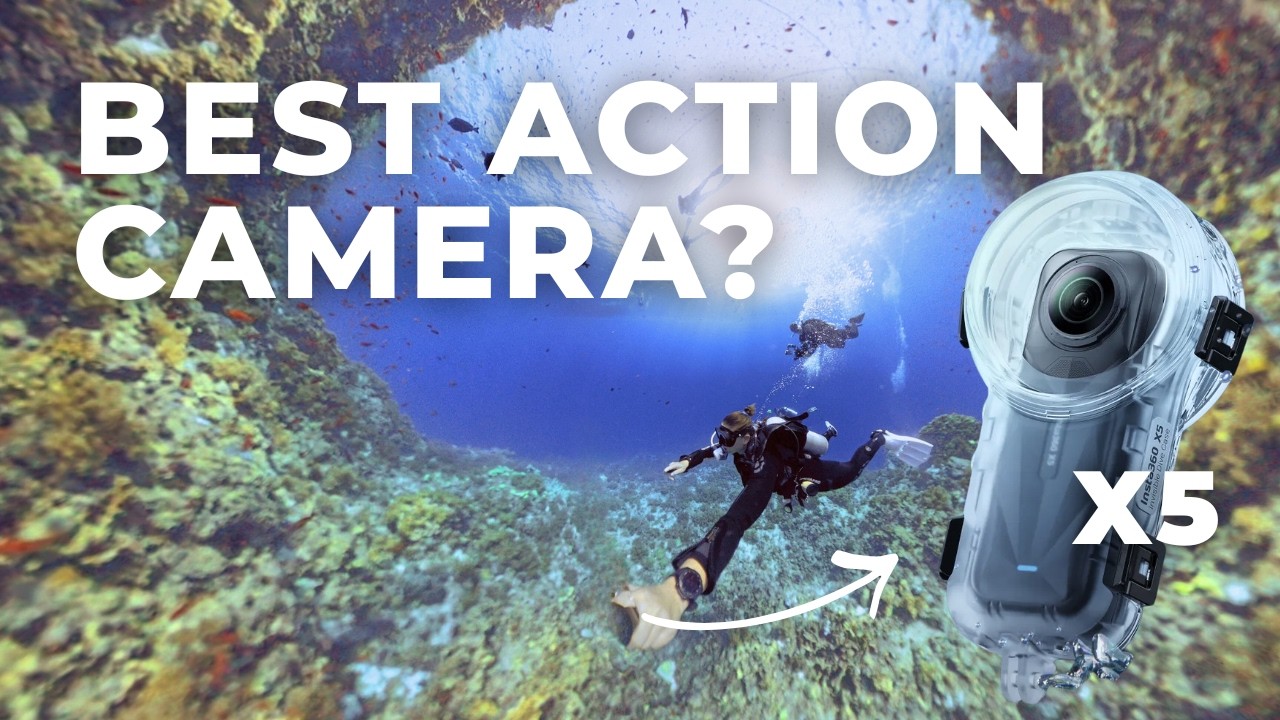
The X5 improves over the X4 most noticeably in challenging conditions, such as green or low-visibility water. Thanks to its larger sensor, it delivers more balanced color and better shadow detail. The X5 also includes two image processing chips for 140% more processing power than the X4. For divers, that means less backscatter and clearer details in darker scenes, murky waters, or on dawn/dusk dives.
Stabilization is similar between the two, but stitching artifacts inside dive housings are cleaner on the X5. However, if you already own the X4 and dive mostly in bright tropical water, the upgrade might not be necessary.
Insta360 Ace Pro 2


The Insta360 Ace Pro 2 is a traditional action camera focused on high-resolution, forward-facing video. It excels at close-ups, fast action, and standard framing, and its larger single sensor performs well in low light.
However, it lacks 360° capture, meaning you must aim deliberately underwater. Choose the Ace Pro 2 if you prioritize close-up subjects and conventional shooting over immersive coverage.
DJI Osmo Action 5 Pro

The DJI Osmo Action 5 Pro is a compact, non-360° action camera that’s waterproof to 66ft/20m without a housing. It offers strong stabilization, excellent auto color correction, and a simple grab-and-go experience.
It’s well suited to divers who want minimal setup and traditional video. Compared to the X5, it sacrifices creative flexibility and immersive framing in exchange for simplicity and compactness.
Diving with the Insta360 X5 and how we tested

We tested the Insta360 X5 over approximately 20-25 dives, totaling 20-30 hours of real underwater use. Most testing was done during scuba dives, with some snorkeling and pool sessions. Locations included the tropical Maldives, mid-temperature Mediterranean waters in Greece, and cold, green waters in Denmark.
We used both the standard dive case and the Dive Case Pro, mounted on Insta360’s selfie stick. We evaluated ease of use, button accessibility (both with and without gloves), housing reliability, low-light behavior, underwater color handling, stitching performance, and post-dive editing workflow.
Performance
Underwater Color & White Balance Control

In real-world diving, the Insta360 X5 handled underwater color better than previous X-series cameras, especially in green and mixed-visibility water. In Nordic conditions, where diving waters tend to be green and flat, the X5 consistently restored blues and neutralized colors without making scenes look artificial.
In clear tropical water like in the Maldives, the difference versus the X4 was subtler, but video still appeared slightly brighter and cleaner.
Who it matters for: Divers filming in green, dark, or mixed-visibility water who want usable video without heavy manual grading.
Low-Light Performance

Low-light performance on the X5 is one of the clearest real-world improvements over the X4. The larger sensor allowed the X5 to retain more detail in shadowed areas and reduce noise (that grainy look) during deeper, early-morning, or overcast dives. This was most noticeable in Denmark and on deeper Maldivian dives, where reef textures and diver silhouettes remained visible instead of breaking down into noise.
In bright tropical conditions, the improvement is less dramatic but still present in smoother gradients and cleaner shadows.
Who this matters for: Divers who regularly film beyond shallow reef tops or in colder, darker water.
Stabilization & Handling

Since the Insta360 X5 is a 360˚ camera, it captures everything around you. That changes how stabilization works in practice, and you are not locked into the frame you shot underwater. After your dive, you choose the angle and the subject you want to follow, then export a stabilized view. For typical scuba use, this is a big advantage. Small hand shakes, fin kicks, and mid-water body movement are much easier to smooth out after the dive because the software can stabilize and reframe at the same time.
Who this matters for: Divers who want stable video but don’t want to think about framing while they’re managing buoyancy, current, and the dive.
Macro vs Wide Versatility

Because the Insta360 X5 captures in 360 degrees, you film everything around you in wide-angle footage. The X5 is very strong for reefscapes, diver swim-bys, pelagics in blue water, and general situational diving. You do not need to aim precisely the moment something appears. You can always reframe later and keep the subject centered.

No camera is perfect, and close-up work shows the X5’s limitations. It does not have a dedicated macro mode or function like a compact camera with a close-focus setting. Getting physically close to small subjects like nudibranchs reduces image quality and sharpness. Also, the dive housings are not designed to attach wet macro lenses that you can change underwater, like you can with some compacts or action cameras.
Who this matters for: Divers who prioritize wide reef scenes and flexible storytelling. If close-up marine life is your main goal, a traditional macro-capable camera system will serve you better.
App, Workflow & File Reliability

Insta360 has both a mobile and desktop app of the same name. Both allow you to adjust keyframes, do manual or auto edits, apply their Aquavision 3.0 auto color-correction, and other actions. The mobile app has more features in terms of content creation, such as the AI feature, which takes your video and then makes smart compilations or short clips for you. This is particularly great if you tend to just hit record and don’t want the hassle of trimming and editing hours of video.

AquaVision 3.0 is Insta360’s auto underwater color correction. Users can choose from four different variations and also choose the strength of these presets. For longer-form content, the desktop workflow offers more control, whereas the mobile app works well for quick or fun edits focused on social media sharing.
Both the mobile and desktop versions are robust and reliable video/image editing platforms. We found them easy to learn and you needn’t be an experienced video editor to create engaging content and extract cool 360˚ shots.
Who this matters for: Divers who want fast, low-friction editing without learning complex camera workflows.
Accessories
If you’re taking the Insta360 X5 diving, a few accessories are essential. Others are optional but change how you shoot underwater. Here’s what actually matters.
Eddie Williams

The Standard Dive Case is required for scuba diving with the X5. While the camera body is waterproof, 360° stitching does not function properly underwater without the housing. This case is manufacturer-rated to 197ft/60m, which covers typical recreational limits.
In use, the standard case is compact and easy to travel with. If you want a lighter setup for travel and standard reef dives, this is the practical option.
Invisible Dive Case Pro

The Dive Case Pro uses a larger dome design that reduces visible stitching edges and produces slightly cleaner video in certain scenes. It is manufacturer-rated to 164ft/50m.
The Pro housing is larger and more buoyant, so it does require some extra weights on the selfie stick to stay balanced underwater, which’ll add bulk to your dive kit and travel bag. We did find the Pro to be marginally better at stitching than the Standard Dive Case.
Honestly the difference is small and we don’t think it justifies carrying a larger setup, especially if you’re traveling/carrying it around a lot. If packing capacity isn’t an issue then choose the Pro version for better footage quality.
Selfie Stick
A selfie stick is essential for proper 360° shooting. When extended, the X5 removes the stick automatically from the video, creating third-person angles without showing the mount.
For diving, Insta360’s Invisible Selfie Stick is plenty. This is 9.2 inches/23cm and extends to 45 inches/114 cm. There are longer versions, but their added buoyancy will be harder to manage underwater and they are honestly not necessary. We recommend adding a wrist lanyard so you can secure the stick to your BCD.
Floaty Grip
The Floaty Grip is not necessary for scuba diving but is useful at the surface. It is particularly useful when filming kids, surface intervals, or shallow reef scenes where accidental drops are more likely.
Dive Buddy

The Dive Buddy is an optional creative accessory. It allows the camera to hover mid-water or slowly rise or sink depending on buoyancy adjustments.
This makes it useful for static reef shots, diver swim-bys, or filming yourself hands-free. It also includes a small tripod base so you can place it on the bottom for steady angles. It is not required, but it creates shooting styles that are difficult with a handheld stick.
Value for Money

The Insta360 X5 offers strong value for divers who prioritize creative flexibility and immersive video. For X3 owners, the upgrade is meaningful, particularly in low-light and green-water conditions. However, for X4 owners, the gains are minimal and to be honest, probably not worth it. Compared to other traditional action cameras, such as the Insta360 Ace Pro 2, the X5 has significant benefits. The value lies in capturing everything at once and deciding framing later, rather than maximizing close-up image quality.
 Take a moment to look at this.